
For many businesses in 2026, Pinterest is the single most powerful and most misunderstood marketing tool in their arsenal.
The biggest mistake?
Treating it like a social media network. Pinterest is not about who you know; it’s about what you’re looking for.
It is a massive visual discovery engine, and mastering Pinterest SEO is the key to unlocking a sustainable, high-intent stream of traffic that can drive revenue for years.
The opportunity is staggering. With over 518 million monthly active users, Pinterest is a global hub of inspiration and commerce.

Unlike other platforms, users aren’t here to passively scroll; they are actively planning their futures.
Data from Pinterest shows that 85% of weekly Pinners have made a purchase based on Pins they saw, and a remarkable 95% of users are on the platform to plan for future purchases.
Furthermore, 80% of Pinners report discovering new brands or products through Pinterest search.
Your goal is to be the answer when they search, and that requires a specific SEO strategy.
This guide will walk you from beginner to advanced, breaking down the fundamentals of Pinterest SEO in 2026 and providing 7 actionable tips to get your Pins ranking higher, driving traffic, and converting users.
Key Takeaways
- Think Search Engine, Not Social Media: Learn why the most critical strategy shift is treating Pinterest like Google, not Instagram. Your content’s lifespan is measured in months or years, not hours.
- Keywords are Your Foundation: Discover how to use Pinterest-native tools, like the search bar autocomplete and Pinterest Trends, to find the exact high-intent keywords your audience is searching for.
- The Fresh Pin Priority: Understand why Pinterest’s 2026 algorithm heavily favors new, unique Pin images (Fresh Pins) over constantly re-pinning the same or existing content.
- Why Saves are a Super-Signal: Learn why a Save is the most powerful engagement metric, signaling to the algorithm that your content is a high-quality resource worth ranking.
- A 7-Step SEO Framework: Get a clear, actionable 7-step guide covering every aspect of Pinterest SEO, from keyword research and profile optimization to advanced engagement tactics.
What is Pinterest SEO (and Why Is It Different)?
Pinterest SEO is the process of optimizing your Pinterest profile, boards, and individual Pins to rank higher in Pinterest search results for specific keywords.
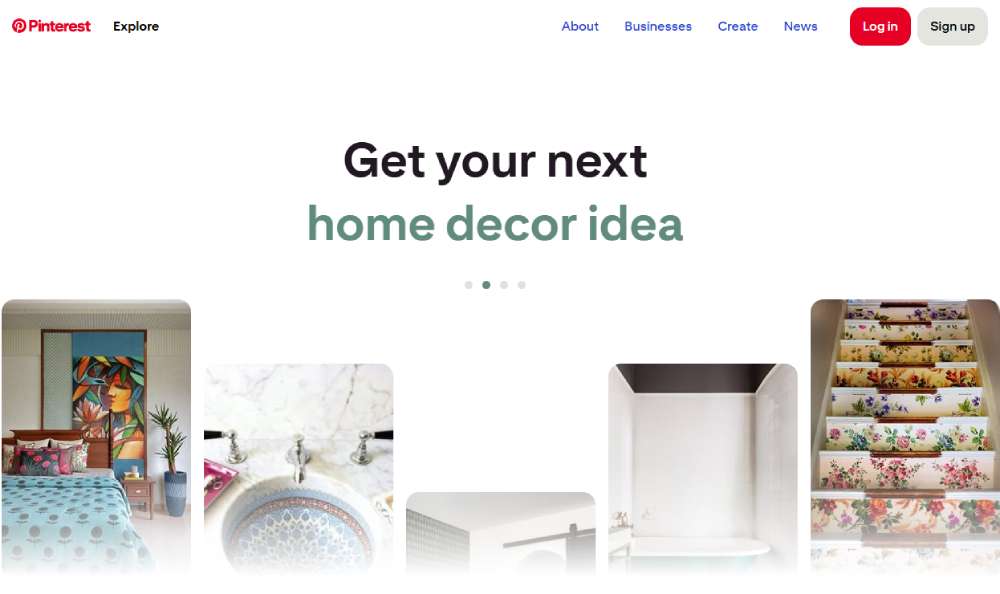
Unlike Google, which analyzes text on a web page, Pinterest is a visual search engine. Its algorithm uses a combination of factors to rank content, including:
- Text Relevance: The keywords you use in your profile, board titles, Pin titles, and Pin descriptions.
- Visual Relevance: The algorithm uses computer vision to analyze the actual image or video in your Pin to understand what it’s about.
- Engagement Signals: How users interact with your Pin (especially Saves, clicks, and comments).
- Creator Quality: Your consistency, the quality of your content, and the health of your account.
Your goal is to optimize for all these factors, sending clear signals to Pinterest that your Pin is the best and most relevant answer to a user’s search query.
Beginner to Advanced Guide + 7 Tips for Higher Rankings
This 7-step guide provides a complete framework for a powerful Pinterest SEO strategy.
1. Master Pinterest Keyword Research
Every successful SEO strategy begins with understanding what your audience is searching for.
The Search Bar: This is your best friend. Type a broad keyword (e.g., healthy dinner) into the Pinterest search bar.
The colorful bubbles that appear below it (e.g., easy, quick, vegan) are the most popular related searches. This is Pinterest telling you exactly what users want.
Pinterest Trends: This free, built-in tool shows you what topics are trending and, more importantly, when they trend.
This allows you to plan your content calendar months.
For example, searches for outdoor patio ideas spike in early spring, so you should start pinning that content in the winter to give it time to index and rank.
Analyze Top Pins: Search for your main keyword and look at the top-ranking Pins. What exact phrases do they use in their titles and text overlays?
This gives you a clear idea of the language that resonates with both the algorithm and users.
2. Fully Optimize Your Profile and Boards
Your profile and boards provide the overall context for all your Pins. An unoptimized profile is like building a house on a weak foundation.
Your Profile: Your Display Name should clearly state your brand and your primary niche (e.g., The Healthy Kitchen | Easy Meal Prep Recipes).
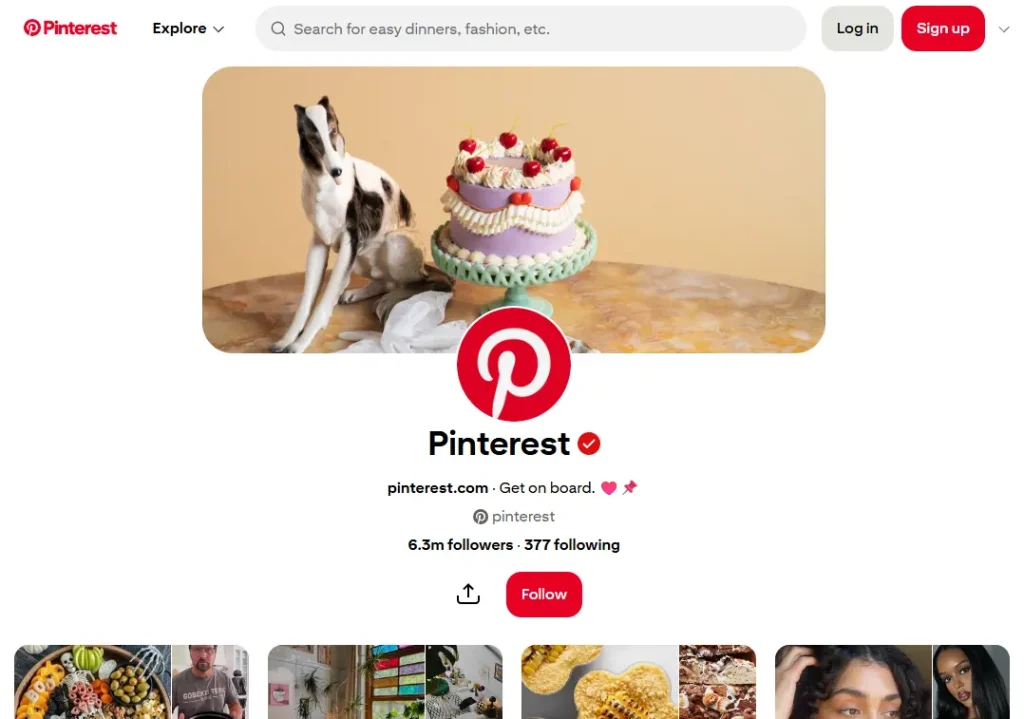
Use your About section to write a helpful description that naturally incorporates your main keywords and tells users exactly why they should follow you.
Your Boards: This is critical. Do not use cutesy or clever names for your boards. Use clear, keyword-driven titles (e.g., Healthy Vegan Dinner Recipes instead of Yummy Food).
Then, write a detailed description for every board, using 2-3 sentences to naturally weave in related keywords. This tells Pinterest that you are an authority on this topic.
3. Create High-Quality, Algorithm-Friendly Pins
Pinterest is a visual platform; your Pin’s creative quality is a ranking factor.
Use a 2:3 Vertical Ratio: This is the optimal aspect ratio (e.g., 1000 x 1500 pixels).
This format takes up the most space on a mobile screen and is favored by the algorithm.
Add a Bold Text Overlay: Your image must include a text overlay that acts as a clear, compelling headline.
This text should be easy to read and should contain your target keyword. The algorithm can read this text and use it as a relevance signal.
Use High-Quality Visuals: Use bright, clear, high-resolution photos or videos.
Avoid dark, blurry, or cluttered images. High-quality visuals get more engagement, which in turn boosts their rank.
4. Write Keyword-Rich Pin Titles and Descriptions
Once your visual has stopped the scroll, your text SEO closes the deal.
Pin Title: You have up to 100 characters. Your title must include your primary keyword in a natural, enticing way.
A great title promises a solution (e.g., 5 Easy Steps to a Perfect Sourdough Loaf is better than just Sourdough Bread).
Pin Description: You have 500 characters to make an impact—use them wisely. Write a conversational, helpful description that tells users exactly what they’ll gain when they click. Don’t forget to add targeted hashtags, and if you’re stuck, try a hashtag generator to find the best ones for visibility and reach.
Naturally weave in your primary keyword and 2-3 related long-tail keywords. Include a clear call-to-action (e.g., Click the link to get the full recipe!).
5. Maintain a Consistent Fresh Pin Strategy
In 2026, the algorithm heavily prioritizes Fresh Pins over Re-Pins.
What is a Fresh Pin?
A Fresh Pin is an image or video that Pinterest’s algorithm has not seen before. Re-pinning old content (even your own) has very little SEO value.
Your Strategy: Instead of re-pinning the same Pin for a blog post, you should create 5, 10, or even 15 unique Pin graphics (with different images, colors, or text overlays) that all link back to that one blog post.
This allows you to constantly feed the algorithm the fresh content it craves, giving you more chances to rank. Aim to pin 3-5 new, Fresh Pins every day.
6. Focus on High-Intent Engagement Signals (Saves & Clicks)
Pinterest tracks how users interact with your Pins to determine their quality. The most valuable engagement is a Save.
Why Saves Matter: A Save (when a user saves your Pin to one of their own boards) is a powerful signal that your content is a high-quality, valuable resource they want to return to later.
This tells the algorithm your Pin is extremely relevant and should be shown to more people.
How to Get Saves: Create content that is inherently save-worthy: ultimate guides, detailed recipes, infographics, cheat sheets, and roundups.
Outbound Clicks: The second most important signal is an outbound click, which shows your Pin delivered on its promise, and the user clicked through for more. Make sure your call-to-action is clear.
7. Link to Relevant, High-Quality Landing Pages
Your Pinterest SEO efforts are wasted if you link to a poor user experience. Pinterest’s algorithm follows your link to analyze the destination page for relevance and quality.
Relevance: The content on your landing page (your blog post or product page) must match the promise of your Pin.
If your Pin says Easy Vegan Recipe, the link must go directly to that recipe, not a generic homepage.
Site Quality: Your website must be mobile-friendly, secure (HTTPS), and fast-loading.
Linking to broken pages or slow, spammy-looking sites is the fastest way to get your Pins demoted and your account’s authority penalized.
Here’s another resource worth checking out:
👉 7 Best Pinterest Marketing Automation Tools to Grow Your Account
👉Hire A Pinterest Marketing Expert: To Boost Your Brand on Pinterest
Frequently Asked Questions (FAQ)
What’s the difference between Idea Pins and Standard Pins for SEO?
Standard Pins are your primary tool for traffic, as their main function is to drive an outbound click to your website. Idea Pins are your primary tool for engagement and follower growth, as they are designed to be consumed entirely on Pinterest. A strong Pinterest SEO strategy uses both Idea Pins to build your authority and audience on the platform, and Standard Pins to convert that authority into website traffic.
How long does it take for Pinterest SEO to work?
Pinterest is a long-term strategy, but it works much faster than Google. You can start seeing traffic from a new Pin within a few days, but a Pin’s true ranking power builds over time. A well-optimized Pin will often start ranking and driving consistent traffic for months (or even years) after it’s published.
Do followers matter on Pinterest in 2025?
Followers are much less important on Pinterest than on any other social platform. Your primary source of traffic will always be from users discovering you via search, not from your follower feed. However, having an engaged follower base provides positive initial signals (saves, comments) that can help your new Pins get indexed and ranked faster.
Should I delete old Pins that have no views?
No, do not delete old Pins. Pinterest is a long-tail search engine. A Pin can sit dormant for months and then suddenly get picked up by the algorithm when a new trend emerges. Deleting Pins is almost always a bad idea. Instead, focus your energy on creating new, Fresh Pins.
How many hashtags should I use on Pinterest?
Pinterest’s guidance on hashtags has changed over the years. In 2025, the best practice is to treat them as a secondary priority. Your keywords in the title and description are far more important. If you use hashtags, add 2-4 highly relevant and specific hashtags at the very end of your description. Do not stuff your description with dozens of them.
Conclusion: Your Long-Term Content Marketing Engine
Mastering Pinterest SEO in 2026 is one of the most valuable investments you can make in your digital marketing.
By shifting your perspective and treating Pinterest as the powerful visual search engine it is, you move away from the exhausting, short-lived content cycle of social media.
This 7-step guide provides a beginner-to-advanced framework to build a sustainable, long-term asset that will attract your ideal customer, establish your authority, and drive qualified traffic to your business long after you’ve pinned it.