
Skyboot Portfolio Gallery for Elementor
Build a Portfolio That Actually Shows Off Your Work
A lightweight gallery and portfolio builder for Elementor.
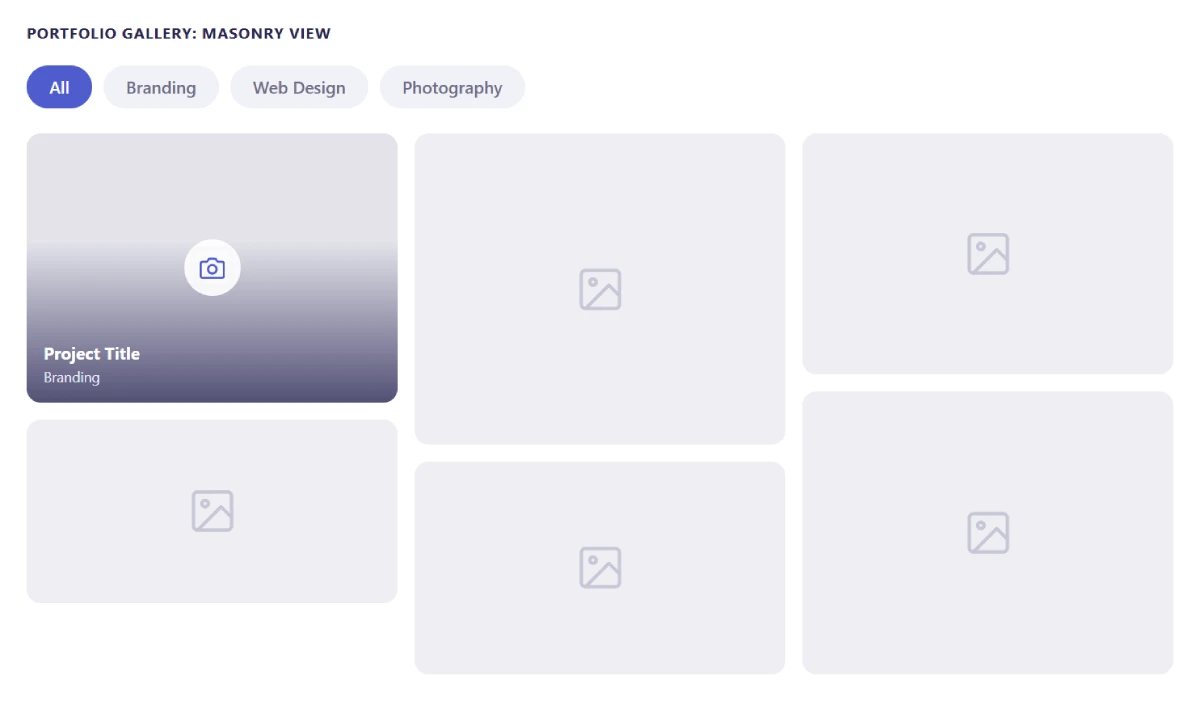
Masonry or grid layouts, filterable categories, lightbox with captions, full control over hover effects, spacing, and color.
All without writing a line of code.
Everything Included
100% free, no catch
Every feature below is free forever, no premium tier, no locked options, no upsell waiting behind a paywall.
Full Feature List
Every feature below is free, nothing held back, nothing locked behind a paywall.
| Feature | Included |
|---|---|
| Professional portfolio builder for Elementor | ✓ |
| Image gallery with lightbox | ✓ |
| Masonry gallery layout | ✓ |
| Grid style layout | ✓ |
| Filterable gallery by category | ✓ |
| No-gutter layout option | ✓ |
| Hover direction effect | ✓ |
| Image zoom effect | ✓ |
| Gradient overlay backgrounds | ✓ |
| Flexible column count options | ✓ |
| Post limit controls | ✓ |
| Ascending or descending post order | ✓ |
| Use Elementor’s built-in icons | ✓ |
| Toggle on/off for each element | ✓ |
| Advanced lightbox settings | ✓ |
| Control gallery item spacing | ✓ |
| Manage section headings easily | ✓ |
| Per-element customization options | ✓ |
| Unlimited color choices | ✓ |
| No coding needed | ✓ |
| Lightweight and fast loading | ✓ |
Features
A closer look at what’s included, completely free.
Filterable Gallery
Let visitors sort your work by category, so the right projects are easy to find.
Masonry & Grid
Switch between a modern masonry layout or a classic grid, with adjustable columns and spacing.
Lightbox & Captions
Interactive lightbox viewing with support for captions on every image.
Hover & Overlay Effects
Directional hover effects, gradient overlays, and zoom, for a professional finish.
Unlimited Colors
Every color in the gallery is yours to set, no locked palette, no premium colors gate.
Full Visual Control
Every setting lives inside the Elementor editor, no coding required.
Elementor Icons
Use Elementor’s own built-in icon library directly inside your gallery.
Lightweight
Built to stay fast, only loads what your gallery actually uses.
Built for Portfolios That Actually Get Noticed
See how it filters, displays, and presents your work, without ever touching code.
Filterable by Category
A big portfolio is only useful if people can actually navigate it.
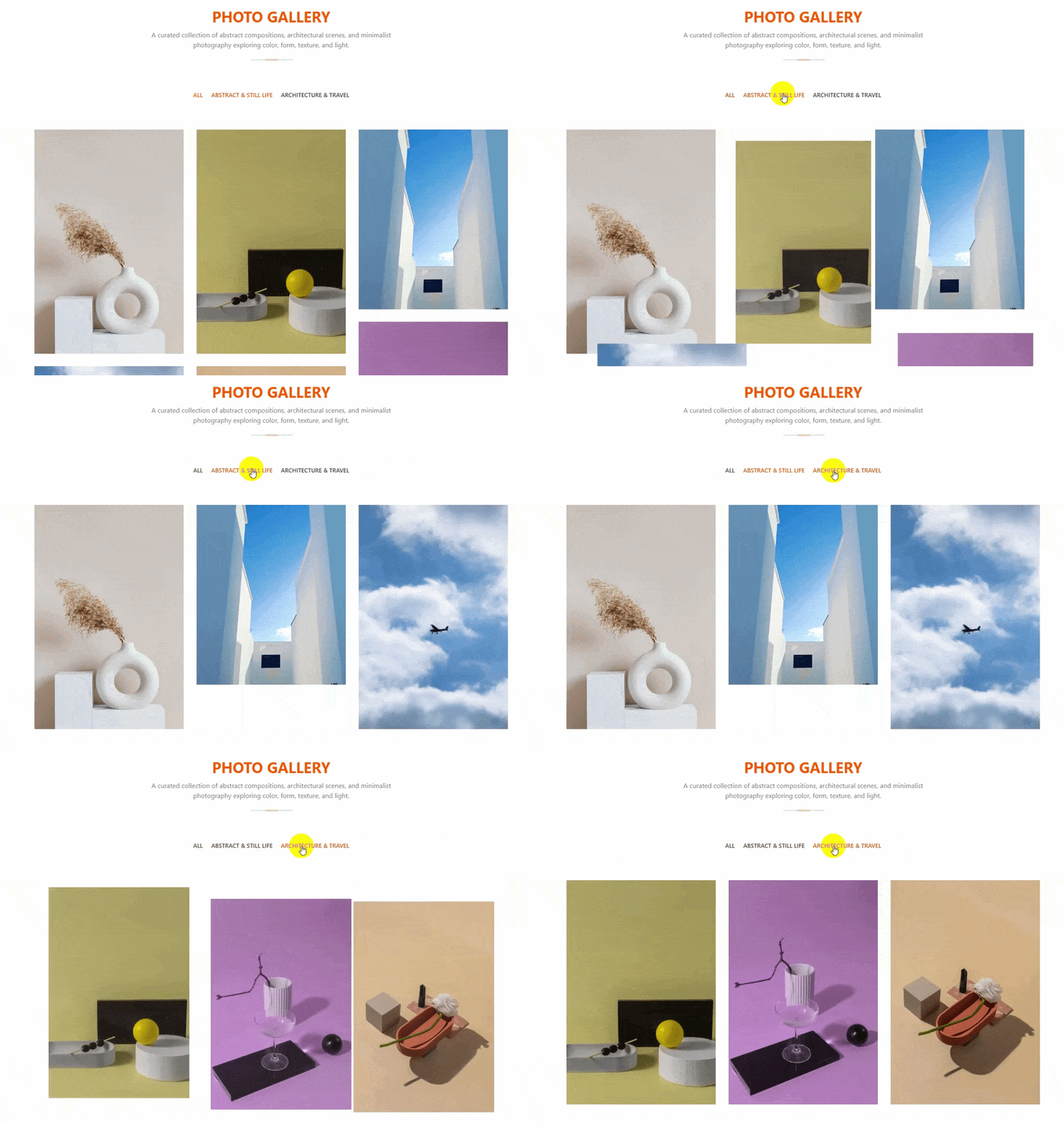
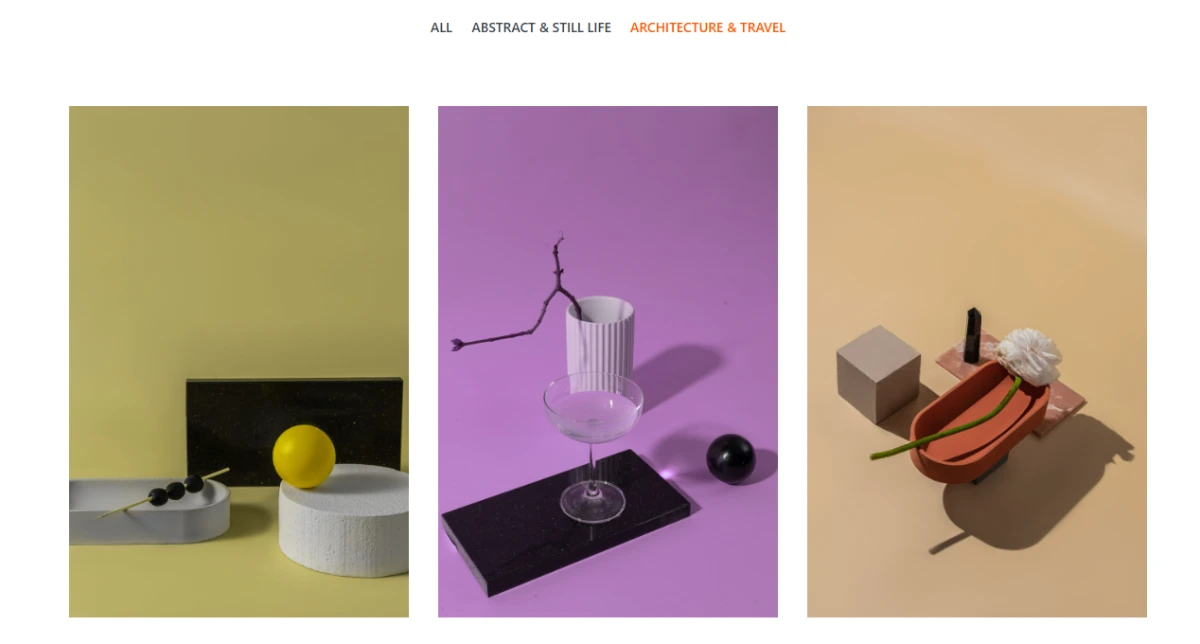
Add category filters so visitors sort your work themselves, photography, branding, web design, whatever categories fit your projects.
Show or hide the filter menu entirely, your choice.
Masonry & Grid Layouts
Masonry for an organic, Pinterest-style flow, or grid for clean, even rows.
Switch between them without rebuilding anything.
Adjust columns and gutter spacing to match your site’s width and your images’ proportions.
Lightbox & Captions
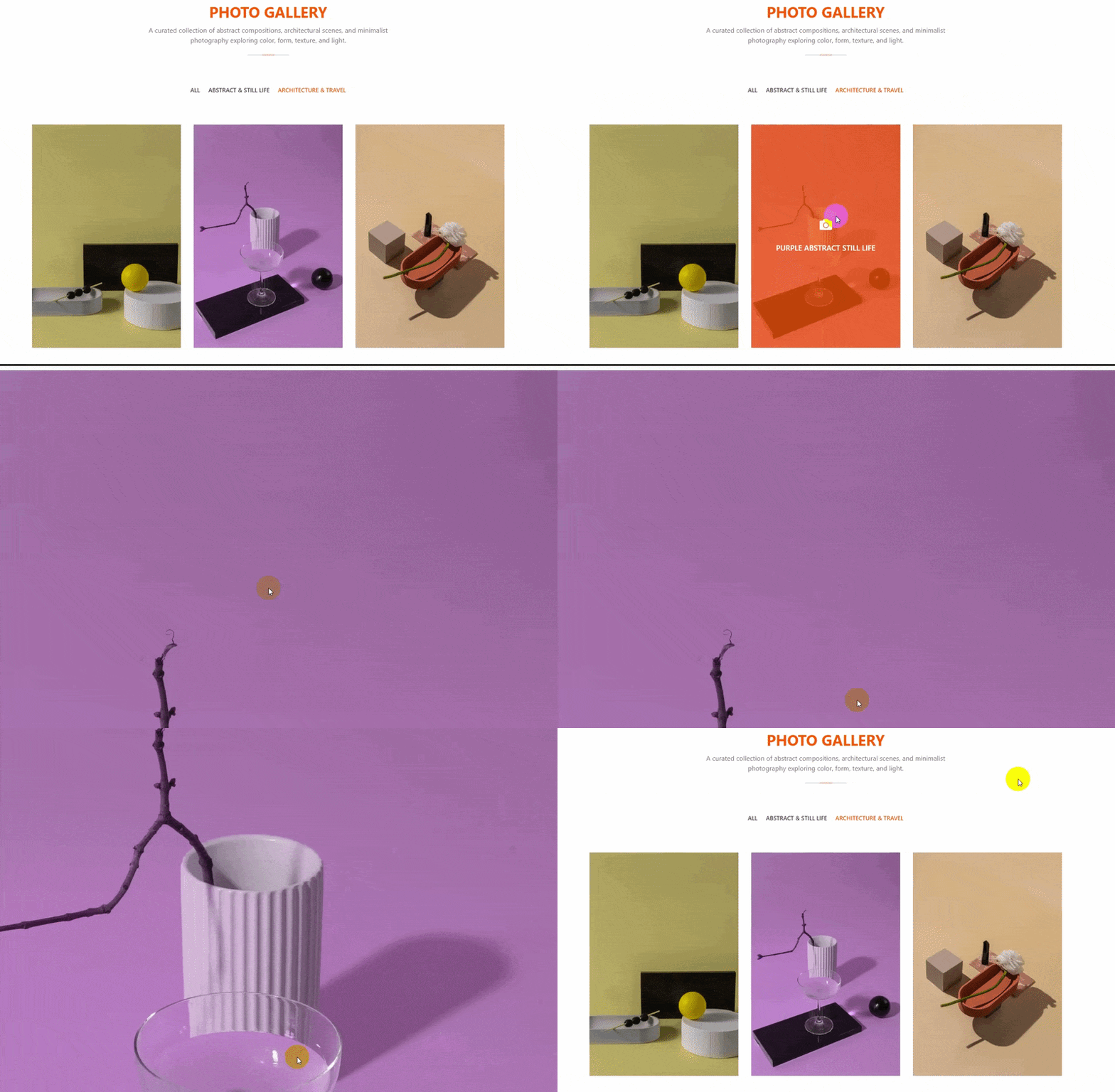
Click an image, and it opens in a clean lightbox view, no page reload, no losing your place in the gallery.
Add captions to give each piece context, and fine-tune the lightbox behavior in Settings.
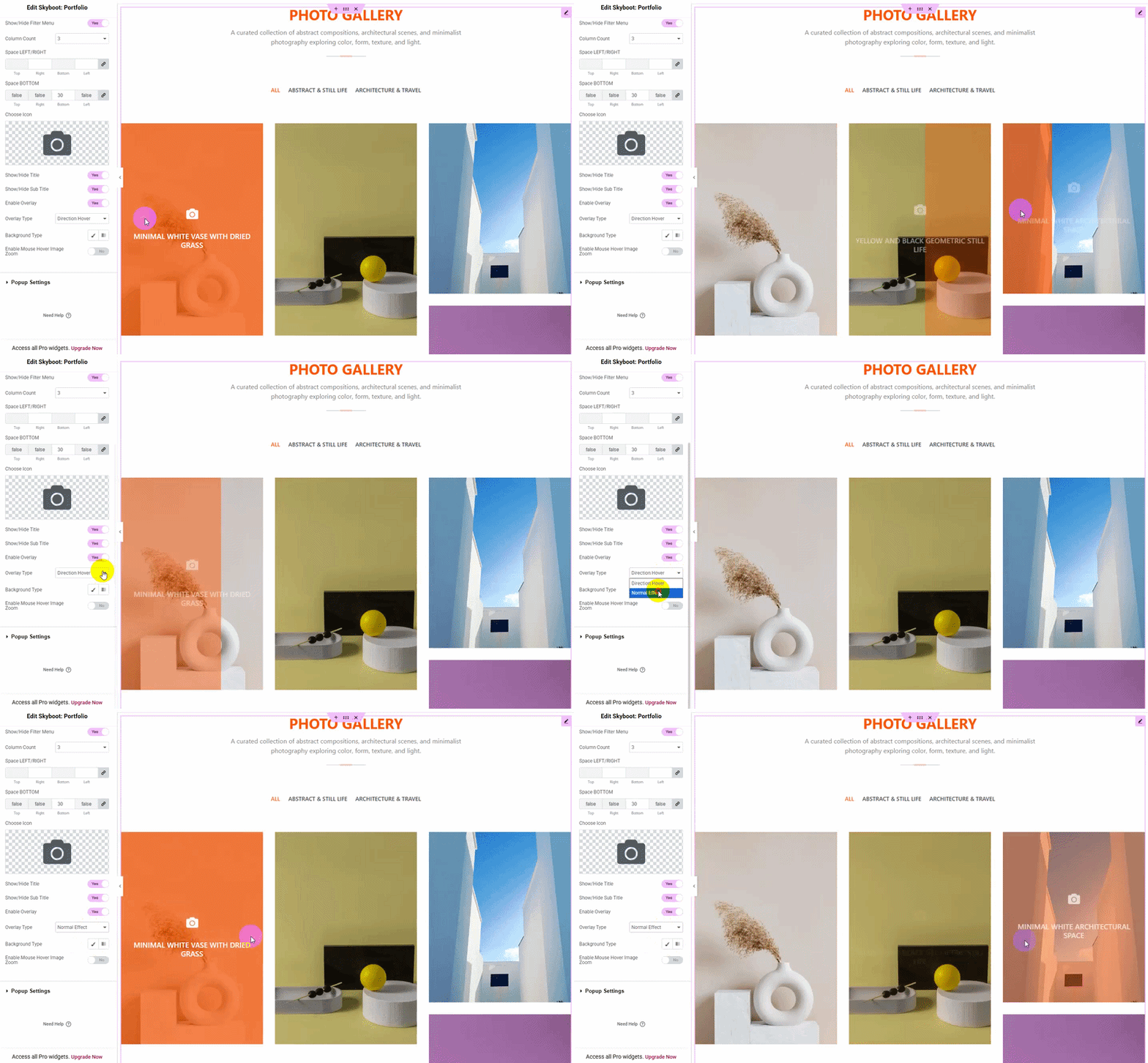
Hover & Overlay Effects
Directional hover effects, gradient overlays, zoom, the small details that separate a real portfolio from a plain image grid.
Turn any effect on or off per element, so the gallery matches your site’s actual style.
Unlimited Colors, Full Control
Every color in the gallery, backgrounds, overlays, text, hover states, is yours to set.
No locked palette, no “premium colors” gate, just the colors your brand actually uses.
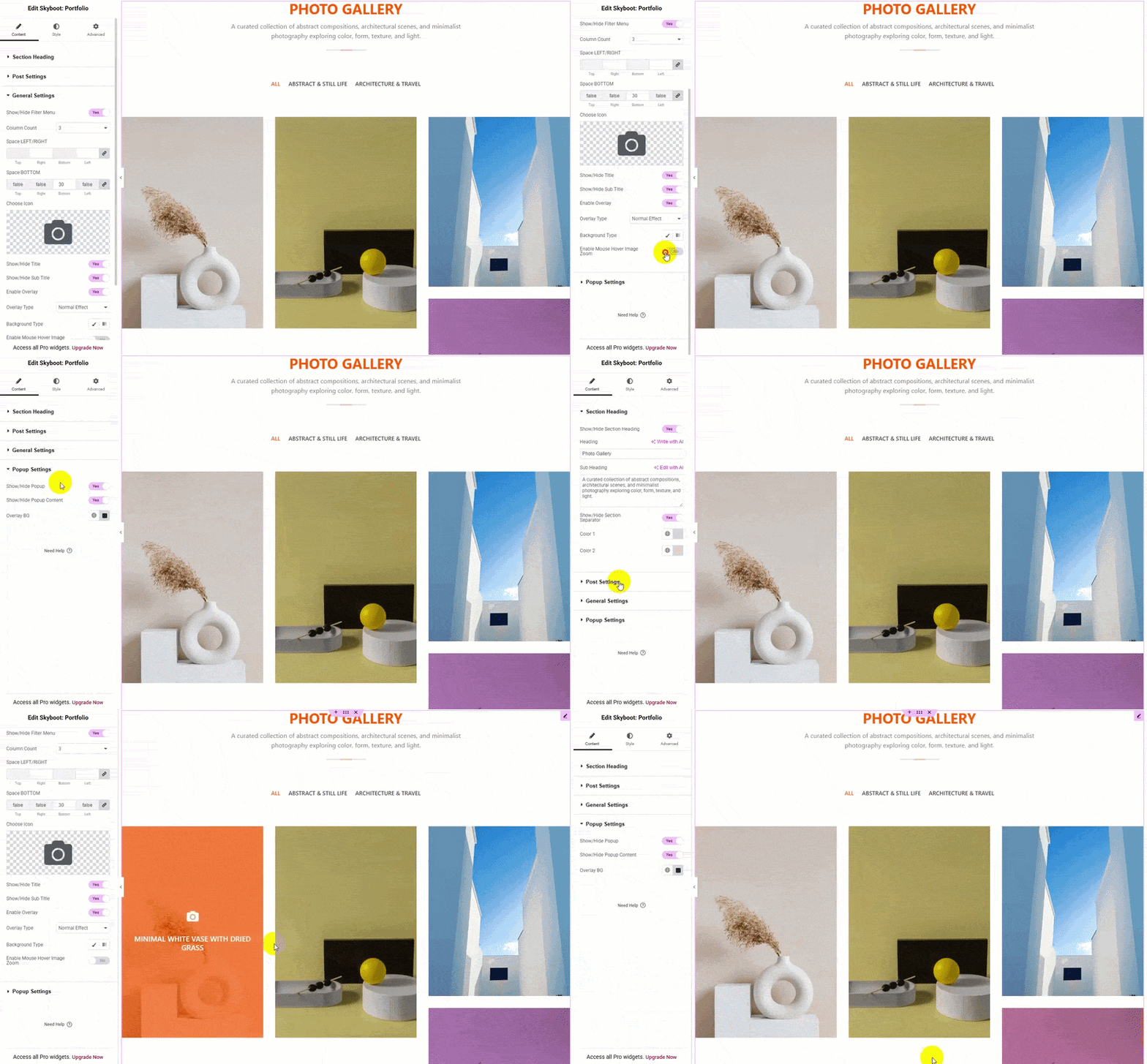
How It Works
From images to a finished portfolio.
01 – Add
Add your images or projects to the gallery widget in Elementor.
02 – Categorize
Assign categories so visitors can filter your work.
03 – Style
Pick a layout, colors, and hover effects, no code needed.
04 – Publish
Your portfolio goes live, filterable, and fully responsive.
Show Your Work the Way It Deserves to Be Seen
A fast, flexible portfolio builder for Elementor. Free, no coding required, no locked-away features.
Common Questions
Is this plugin actually free?
Yes, completely. No premium tier, no locked features, no upsell hiding behind a paywall.
Do I need coding skills to use it?
No. Everything is built inside the Elementor editor with full visual control, no code required.
Can I customize colors, spacing, and hover effects?
Yes. Unlimited color options, spacing controls, and multiple hover styles, all adjustable to match your site’s design.
Will the gallery work on mobile devices?
Yes. Masonry, grid, and lightbox views are all fully responsive across mobile, tablet, and desktop.
Is this compatible with other Elementor addons?
Yes. It works alongside popular addons like Essential Addons, PowerPack Addons, Happy Addons, and Ultimate Addons for Elementor without conflicts.
Can I control how many portfolio items are shown?
Yes. Post limit controls let you decide exactly how many items appear, sorted ascending or descending.
Can I hide the category filter menu?
Yes, it’s a simple show/hide toggle if you’d rather present the gallery without filtering options.
Does this slow down my site?
No. It’s built to be lightweight and only loads what your gallery actually uses.
Can I use Elementor’s own icons in the gallery?
Yes, Elementor’s built-in icon library is supported directly.
Is this plugin actively maintained?
Yes. It receives updates to stay compatible with the latest versions of WordPress and Elementor.